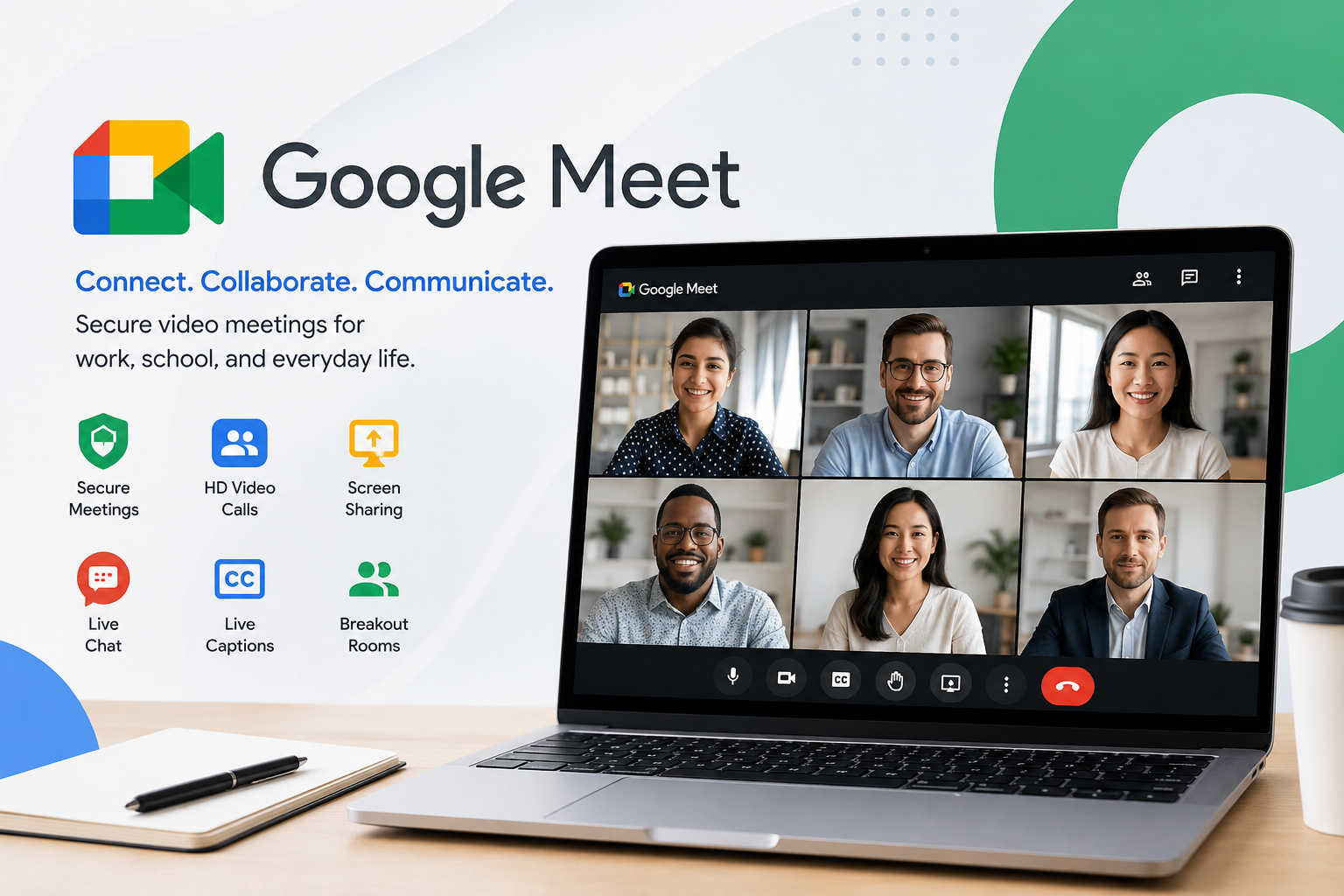
Google Meet: Features, Benefits, and How to Use It Effectively
Google Meet has become one of the world’s most trusted video conferencing platforms for businesses, educators, students, and families. Whether you’re attending a virtual class, hosting a business presentation, or catching up with friends, Google Meet offers a simple and secure way to connect from almost any device.
In this guide, you’ll learn what Google Meet is, how it works, its key features, pricing, security measures, best practices, and why millions of users rely on it every day. We’ll also answer common questions to help you get the most from the platform.
What Is Google Meet?
Google Meet is Google’s cloud-based video conferencing service that allows users to host and join online meetings using a web browser or mobile app. It supports high-quality video calls, screen sharing, live captions, chat, meeting recordings on eligible plans, and integration with Google Workspace applications such as Gmail and Google Calendar. It is designed for both personal communication and professional collaboration. (Google Help)
Why Google Meet Is Popular
Google Meet has gained widespread adoption because it combines ease of use with enterprise-grade security and seamless integration into Google’s ecosystem.
Some of its biggest advantages include:
- Browser-based meetings with no software installation required
- Integration with Gmail and Google Calendar
- High-definition video and audio
- Live captions powered by speech recognition
- Screen sharing and presentation tools
- Cross-platform support for desktop, Android, and iPhone
- Security features including encrypted communications
- Simple meeting scheduling and sharing
These features make it suitable for remote work, online education, interviews, webinars, and personal video calls. (Google Help)
Key Features of Google Meet
HD Video Conferencing
Google Meet provides high-quality video meetings that automatically adjust based on available internet bandwidth, helping maintain stable communication even on slower connections.
Screen Sharing
Users can present:
- Entire screen
- Specific application window
- Browser tab
This feature is particularly useful for presentations, online training, demonstrations, and collaborative work.
Live Captions
One of Google Meet’s most appreciated accessibility features is automatic live captions, which help participants follow conversations more easily, especially in noisy environments or for users with hearing difficulties. (Google Workspace)
Meeting Chat
Participants can communicate through built-in text chat during meetings by sharing:
- Links
- Notes
- Questions
- Resources
Virtual Backgrounds and Effects
Google Meet supports:
- Background blur
- Custom backgrounds
- Visual effects
- Filters and reactions on supported accounts and devices
These options help users maintain privacy and create a more professional appearance. (blog.google)
Breakout Rooms
Eligible Google Workspace plans allow hosts to divide participants into smaller discussion groups, making the platform useful for classrooms, workshops, and team collaboration. (Google Help)
Meeting Recording
Certain Google Workspace subscriptions include meeting recording, allowing users to save sessions for future review or sharing. (Google Help)
How Google Meet Works
Using Google Meet is straightforward.
Create a Meeting
Users can:
- Start an instant meeting
- Schedule through Google Calendar
- Generate a shareable meeting link
Join a Meeting
Participants can join by:
- Clicking a meeting link
- Entering a meeting code
- Joining directly from Google Calendar
- Using the Google Meet mobile app
No additional software installation is required when joining from most modern web browsers. (Google Help)
Google Meet Free vs Paid Plans
Google Meet offers both free and premium options.
Free Version
The free version includes:
- Video meetings
- Screen sharing
- Live captions
- Chat
- Mobile and desktop access
- Meetings with participant and duration limits depending on meeting type
Google Workspace Plans
Paid subscriptions add features such as:
- Larger meeting capacities
- Longer meeting durations
- Meeting recordings
- Attendance tracking
- Advanced moderation
- Enhanced security controls
- Meeting transcripts on eligible plans
Available features vary depending on the Google Workspace edition. (Google Help)
Google Meet Security and Privacy
Security is a major reason organizations choose Google Meet.
Its protections include:
- Encrypted data in transit
- Secure meeting controls
- Host management tools
- Waiting and admission controls where applicable
- Participant moderation
- Protection against unauthorized access through account verification and meeting permissions
Administrators in Google Workspace can also configure additional organizational security policies. (Google Help)
Best Uses for Google Meet
Google Meet supports a wide variety of online communication needs.
Business Meetings
Organizations use Google Meet for:
- Team collaboration
- Client meetings
- Sales presentations
- Project management
- Remote work
Online Education
Teachers and schools use Meet for:
- Virtual classrooms
- Student discussions
- Parent meetings
- Group projects
- Online tutoring
Personal Communication
Families and friends use Google Meet to:
- Stay connected
- Celebrate events virtually
- Conduct group video calls
- Organize community meetings
Tips for Better Google Meet Meetings
To improve your meeting experience:
- Use a stable internet connection.
- Wear headphones to reduce echo.
- Test your microphone and camera before joining.
- Choose a quiet, well-lit environment.
- Mute your microphone when not speaking.
- Share only the necessary application window when presenting.
- Keep your browser and Meet app updated for the latest features.
These simple practices help create smoother and more professional online meetings.
Google Meet Compared with Other Video Conferencing Platforms
Google Meet competes with several popular video conferencing services.
Its strengths include:
- Tight integration with Google Workspace
- Browser-first experience
- Easy meeting setup
- Reliable performance
- Strong accessibility features such as live captions
- Enterprise security options
Organizations already using Gmail, Google Drive, Docs, Sheets, and Calendar often find Google Meet particularly convenient because these services work together seamlessly. (Google Workspace)
Frequently Asked Questions
Q: Is Google Meet free to use?
A: Yes. Google Meet offers a free version for personal users that includes video meetings, screen sharing, chat, and live captions. Premium Google Workspace subscriptions unlock additional collaboration, administration, and meeting management features. (Google Help)
Q: How many people can join a Google Meet meeting?
A: The participant limit depends on your account type. Free accounts support smaller meetings, while Google Workspace plans allow significantly larger meetings, with higher tiers supporting hundreds of participants. (Google Help)
Q: Does Google Meet require software installation?
A: No. Most users can join directly through a supported web browser. Google also provides dedicated mobile apps for Android and iOS for users who prefer using smartphones or tablets. (Google Help)
Q: Is Google Meet secure?
A: Yes. Google Meet includes encrypted communications, host controls, participant management, and additional security features for organizations using Google Workspace, making it suitable for both business and educational environments. (Google Help)
Q: Can Google Meet record meetings?
A: Yes, but meeting recording is available only on eligible Google Workspace plans rather than all free accounts. Organizations can use recordings to review discussions or share information with absent participants. (Google Help)
Q: Does Google Meet support screen sharing?
A: Yes. Users can share their entire screen, a single application, or a browser tab, making presentations, demonstrations, and collaborative work easy during meetings. (Google Help)
Conclusion
Google Meet has evolved into a reliable and feature-rich video conferencing platform that serves individuals, businesses, educators, and organizations around the world. Its combination of browser-based accessibility, integration with Google Workspace, strong security, live captions, screen sharing, and collaboration tools makes it suitable for everything from casual conversations to large professional meetings. Whether you’re working remotely, attending online classes, or connecting with family, Google Meet offers a straightforward and dependable solution. By understanding its features, choosing the right plan, and following meeting best practices, users can enjoy productive, secure, and high-quality virtual communication.

One Comment