Discord App: Features, Safety, Uses & Complete Guide
Discord App: The Complete Guide to Features, Servers, and Safety
Introduction
The Discord App has grown from a gaming-focused chat platform into one of the world’s most popular communication tools for communities, businesses, educators, creators, and friends. Whether you’re joining a gaming server, participating in an online study group, or managing a large community, Discord offers text, voice, and video communication in one place.
In this guide, you’ll learn what the Discord App is, how it works, its main features, safety tools, pricing, and practical tips for getting the most out of the platform. Everything in this article is based on publicly available and verified information.
What Is Discord App?
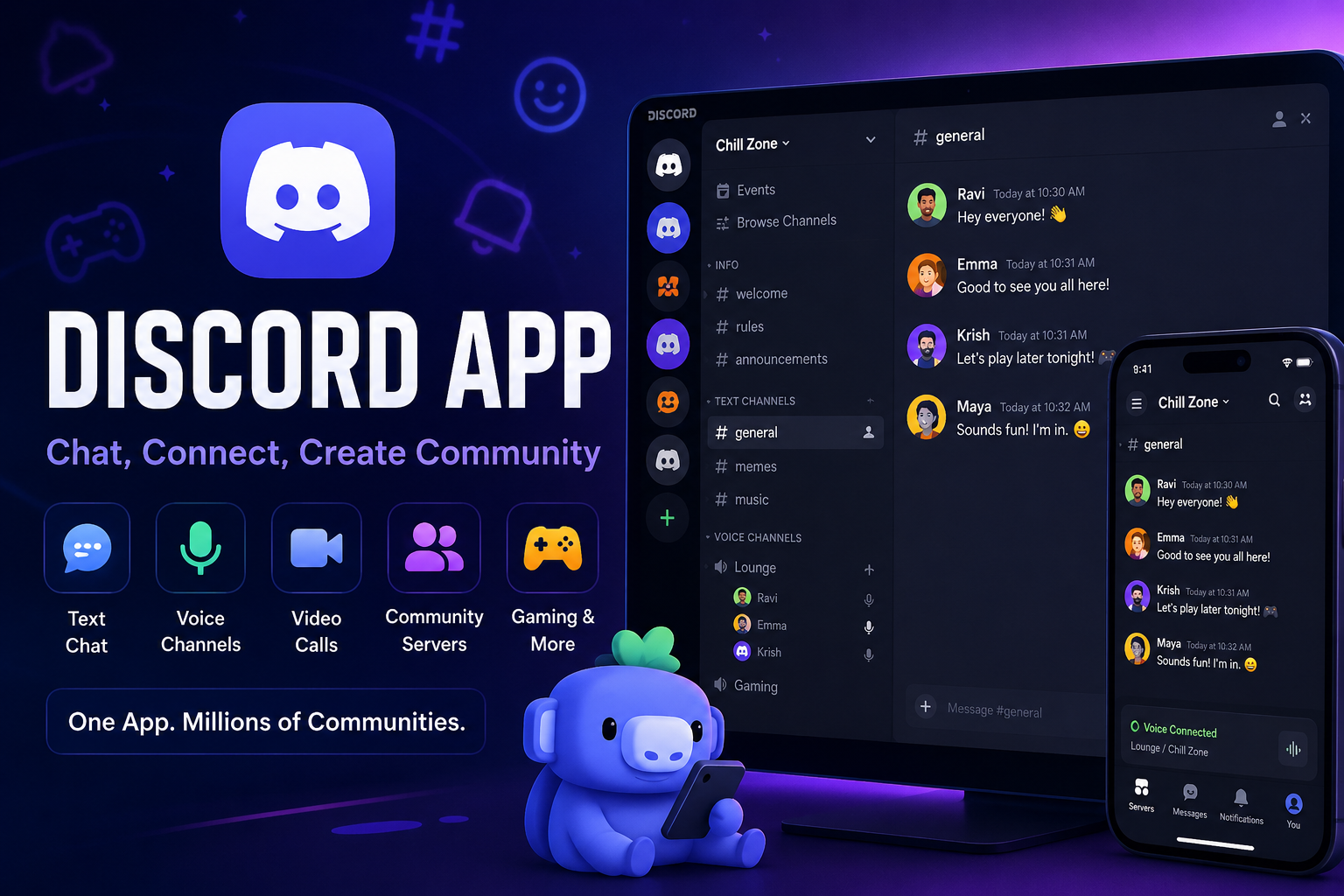
Discord App is a free communication platform that allows users to chat through text messages, voice calls, video calls, and community servers. Available on Windows, macOS, Linux, Android, iPhone, and web browsers, Discord helps people build communities around shared interests while offering real-time communication and collaboration.
The Evolution of Discord
How Discord Started
Discord was launched in 2015 by Jason Citron and Stan Vishnevskiy. The founders wanted to create a better communication platform for gamers who needed reliable voice chat while playing online games.
The application quickly gained popularity because it combined:
- Voice channels
- Text chat
- Low-latency communication
- Community management
Unlike many traditional messaging apps, Discord focused on organized communities instead of simple one-on-one conversations.
Growth Beyond Gaming
Although Discord became popular among gamers, the platform now serves many different communities, including:
- Students
- Developers
- Artists
- Musicians
- Businesses
- Open-source projects
- Content creators
- Online classrooms
- Hobby groups
Millions of people now use Discord daily for both personal and professional communication.
Main Features of Discord App
Servers
Servers are the foundation of Discord.
A server is a dedicated online space where people communicate around a common interest. Each server can contain multiple channels organized by topics.
Examples include:
- Gaming communities
- School clubs
- Company teams
- Coding groups
- Sports fans
- Music communities
Large public servers can support hundreds of thousands of members.
Channels
Inside each server are channels.
These are organized spaces for different conversations.
Examples:
- General chat
- Announcements
- Help
- Memes
- News
- Homework
- Development
- Voice rooms
This organization makes discussions easier to follow.
Voice Channels
Voice channels let users join conversations instantly without placing traditional phone calls.
Popular uses include:
- Multiplayer gaming
- Team meetings
- Study groups
- Podcasts
- Community events
Members simply join and leave voice channels whenever they want.
Video Calls
Discord supports high-quality video meetings.
Users can:
- Turn on webcams
- Share screens
- Watch presentations
- Collaborate remotely
This makes Discord useful for remote learning and teamwork.
Screen Sharing
Screen sharing allows users to display:
- Games
- Presentations
- Documents
- Tutorials
- Software demonstrations
This feature is widely used by teachers, developers, and support teams.
Discord App Features That Users Love
Direct Messages
Users can privately chat with friends using:
- Text messages
- Voice calls
- Video calls
- File sharing
File Sharing
Discord supports sharing:
- Images
- Videos
- Documents
- PDFs
- GIFs
Upload size depends on account type.
Custom Emojis
Server owners can upload custom emojis for community members.
Many communities create emojis related to:
- Games
- Brands
- Inside jokes
- Team identities
Roles and Permissions
Admins can assign different roles such as:
- Owner
- Administrator
- Moderator
- VIP
- Member
Permissions help keep communities organized and secure.
Bots
Discord bots automate many tasks.
Popular bot functions include:
- Moderation
- Music playback
- Polls
- Games
- Welcome messages
- Auto roles
- Statistics
- Scheduling
Bots help reduce manual work for moderators.
Discord Nitro
Discord offers a premium subscription called Discord Nitro.
Benefits may include:
- Higher file upload limits
- Better streaming quality
- Animated avatars
- Custom profile enhancements
- Increased emoji access
- Server boosts
The free version remains fully functional for most users.
Is Discord App Safe?
Discord provides several safety and moderation tools, but users should also practice good online safety.
Privacy Settings
Users can control:
- Who can message them
- Friend requests
- Server invitations
- Sensitive content filters
Two-Factor Authentication
Two-factor authentication (2FA) adds another layer of account security.
Enabling 2FA helps protect accounts from unauthorized access.
Community Moderation
Server administrators can:
- Remove spam
- Ban abusive members
- Filter inappropriate content
- Require verification
- Use moderation bots
Safety Tips
To stay safe on Discord:
- Use a strong password.
- Enable two-factor authentication.
- Avoid clicking unknown links.
- Don’t share personal information publicly.
- Report abusive behavior.
- Keep your app updated.
Discord App for Gaming
Gaming remains one of Discord’s strongest use cases.
Players use Discord for:
- Team coordination
- Voice communication
- Tournament organization
- Strategy discussions
- Game communities
Many game developers also maintain official Discord servers where players receive updates and interact with staff.
Discord App for Education
Schools and study groups increasingly use Discord because it offers:
- Organized discussion channels
- Homework help
- Voice classrooms
- Study sessions
- File sharing
- Collaboration
Many university clubs and online learning communities use Discord to stay connected.
Discord App for Businesses
Businesses use Discord to build communities and improve communication.
Common business uses include:
- Customer support
- Product feedback
- Team collaboration
- Community management
- Live events
- Webinars
Technology startups and software companies often maintain official Discord communities for users.
How to Get Started with Discord
Create an Account
Download Discord or use the web version.
Register with:
- Email address
- Username
- Password
Verify your email before joining communities.
Join Servers
You can join servers using invitation links shared by:
- Friends
- Organizations
- Communities
- Content creators
Customize Your Profile
Users can personalize:
- Username
- Avatar
- Bio
- Status
- Display name
Advantages of Discord App
- Free to use
- Cross-platform support
- Excellent voice quality
- Organized servers
- Powerful moderation tools
- Large community ecosystem
- Screen sharing
- Video meetings
- Mobile and desktop synchronization
Limitations of Discord App
While Discord offers many benefits, users should also be aware of some limitations:
- Public servers may require active moderation.
- Beginners can find large servers overwhelming.
- Some advanced features require Discord Nitro.
- Very large communities can generate a high volume of notifications if settings are not customized.
Frequently Asked Questions
Q: What is the Discord App mainly used for?
A: Discord is used for text messaging, voice chat, video calls, community discussions, gaming, education, collaboration, and online communities. It supports both private conversations and large public servers with organized channels.
Q: Is Discord free to use?
A: Yes. Discord offers a comprehensive free version that includes messaging, voice chat, video calls, servers, and screen sharing. Users who want additional customization and higher limits can subscribe to Discord Nitro.
Q: Can I use Discord without downloading the app?
A: Yes. Discord works directly in modern web browsers. However, the desktop and mobile applications provide the best overall experience and access to all supported features.
Q: Is Discord safe for teenagers?
A: Discord includes privacy controls, content filters, reporting tools, and parental resources. Parents and guardians should encourage teens to use privacy settings, avoid sharing personal information, and join well-moderated communities.
Q: What is a Discord server?
A: A Discord server is an online community space where members communicate through organized text and voice channels. Servers can be private or public and are commonly built around shared interests, organizations, or projects.
Q: Can businesses use Discord?
A: Yes. Many businesses use Discord to manage customer communities, provide support, host events, gather feedback, and collaborate with team members. Its flexible communication features make it suitable for many types of organizations.
Conclusion
The Discord App has evolved into one of the most versatile communication platforms available today. What began as a solution for gamers now supports communities of all sizes, from classrooms and developer groups to businesses and hobby clubs. Its combination of text chat, voice channels, video calls, screen sharing, and powerful moderation tools makes it suitable for both casual conversations and organized collaboration. While users should take advantage of its privacy and security features, Discord remains a reliable platform for connecting with others, sharing ideas, and building communities around common interests across desktop, mobile, and the web.
One Comment