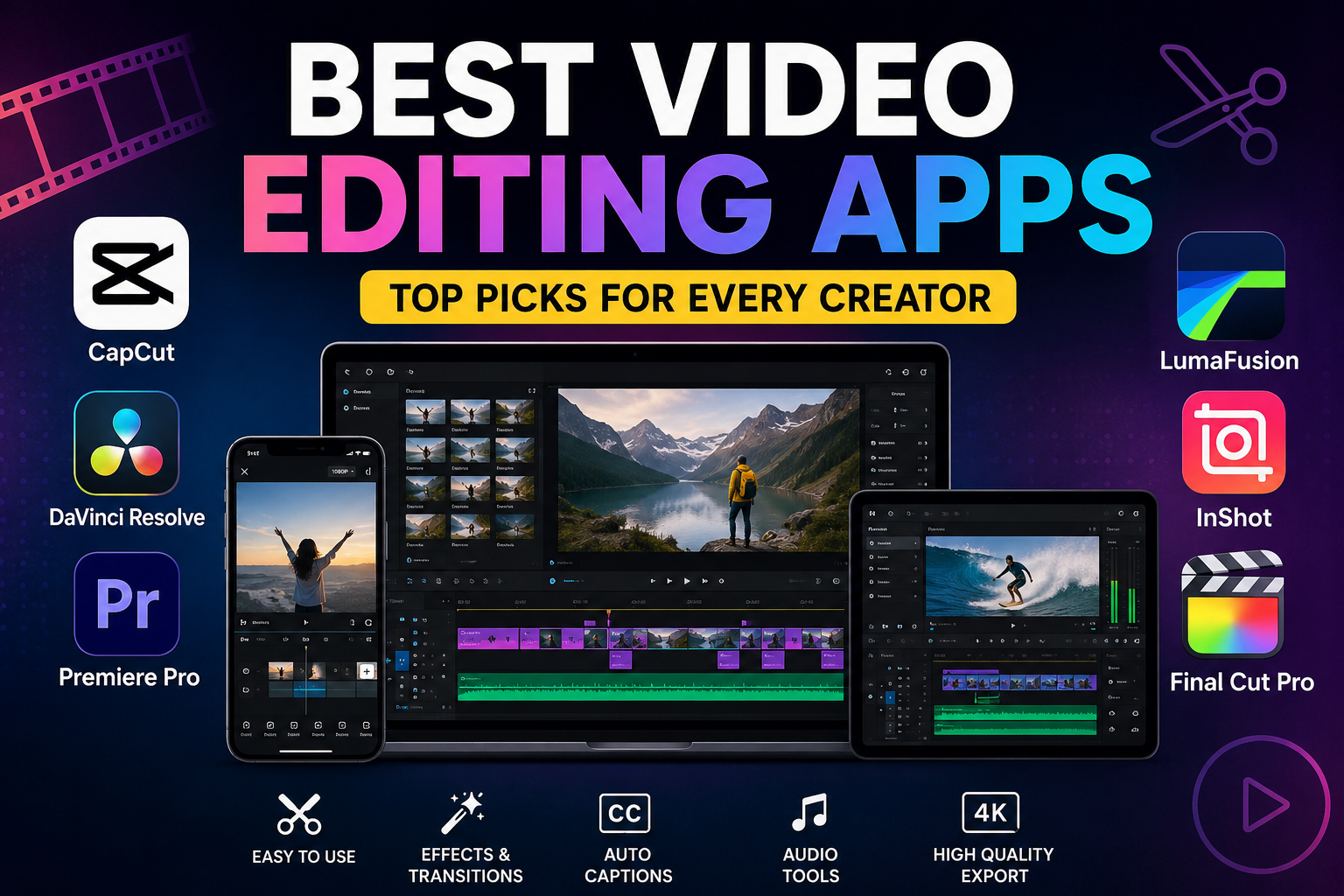
Best Video Editing Apps in 2026: Top Picks for Every Creator
SEO Title
Best Video Editing Apps in 2026 for Mobile and Desktop
Video editing has changed dramatically in the last few years. What once required expensive software and powerful computers can now happen on a smartphone in minutes. Whether you create YouTube videos, Instagram Reels, TikTok clips, business content, or cinematic projects, choosing the right editor can save time and improve quality.
The best video editing apps today combine intuitive design with professional features like multi-track timelines, AI-powered editing, color correction, auto captions, motion effects, and fast exporting. Some focus on speed and simplicity, while others deliver desktop-level creative control.
This guide compares the best video editing apps available right now and explains which one makes the most sense based on your workflow, device, and experience level.
What Makes a Great Video Editing App?
Not every editor is designed for the same type of creator. A strong video editing app balances performance, usability, export quality, and creative flexibility.
The most useful apps usually include:
- Multi-track timeline editing
- High-resolution exports (1080p or 4K)
- Transitions and effects
- Audio editing and voice enhancement
- Automatic captions
- Color grading tools
- Cloud sync or cross-device workflows
- AI-assisted editing features
Modern creators also expect faster rendering and templates optimized for short-form content.
1. CapCut — Best Overall for Most Creators
Why CapCut Continues to Lead
CapCut has become one of the most widely used editing apps because it lowers the barrier to creating polished videos. Beginners can build content using templates, while experienced users can work with layered timelines and advanced controls.
Features like auto captions, AI background removal, motion effects, and social-media-friendly exports make it especially attractive for creators publishing frequently. Several reviewers continue to rank it as the strongest free-first editing experience.
Best For
- TikTok creators
- YouTube Shorts
- Instagram Reels
- Beginner to intermediate editors
Pros
- Powerful free version
- Fast workflow
- Strong AI features
- Easy learning curve
Consider Before Choosing
Advanced users may eventually want more granular control than mobile-first workflows provide.
2. DaVinci Resolve — Best Professional Free Editor
Professional Features Without a Typical Subscription
DaVinci Resolve has earned a reputation for delivering professional-grade editing capabilities while maintaining a highly capable free version.
Its editing environment combines timeline editing, color grading, visual effects, and audio production in a single workflow. For creators moving beyond simple social content, Resolve often becomes a serious long-term platform.
Why Editors Recommend It
Color tools remain one of its strongest advantages. Independent filmmakers, YouTubers, and production teams frequently use Resolve because projects can scale without immediately requiring paid upgrades.
Best For
- Filmmakers
- Long-form YouTube creators
- Advanced users
- Professional workflows
3. Adobe Premiere Pro — Best for Industry Workflows
The Editing Standard for Professionals
Adobe Premiere Pro remains a major choice for agencies, production teams, and professionals who need collaboration and advanced post-production workflows.
Recent updates continue adding AI-driven tools and workflow improvements designed to reduce repetitive editing tasks and improve efficiency.
Strengths That Matter
Premiere integrates closely with motion graphics and broader creative workflows, making it attractive for teams producing high volumes of content.
Best For
- Agencies
- Commercial editors
- Advanced creators
- Collaborative production environments
Downsides
- Subscription pricing
- Higher learning curve
4. LumaFusion — Best Professional Mobile Editing App
Desktop-Level Editing on Mobile Devices
LumaFusion changed expectations around mobile editing by bringing serious timeline control to tablets and smartphones.
Unlike template-first apps, LumaFusion focuses on layered editing, detailed trimming, advanced audio mixing, stabilization, and professional export workflows. It has expanded beyond Apple devices and now supports additional platforms as well.
Why Mobile Filmmakers Like It
Creators who shoot and edit entirely on mobile often prefer LumaFusion because it feels closer to traditional editing software.
Best For
- iPad creators
- Mobile filmmakers
- Professional mobile workflows
5. InShot — Best for Quick Social Content
Fast Editing Without Complexity
Not everyone needs cinematic color grading and advanced masking.
InShot focuses on speed. The interface makes trimming, resizing, text overlays, transitions, and exporting straightforward enough for users with no editing experience.
This simplicity makes it popular among lifestyle creators and businesses creating content daily.
Best For
- Daily social content
- Beginners
- Small businesses
6. Final Cut Pro — Best for Apple Users
Built for Speed on Apple Hardware
Final Cut Pro remains one of the strongest editing environments for Mac and iPad users.
Editors often praise its responsiveness, streamlined interface, and performance optimization across Apple devices. It gives professional capabilities without forcing a subscription model.
Best For
- Mac creators
- Professional editing
- Long-term creative workflows
How to Choose the Right Video Editing App
Choosing the right editor depends more on workflow than feature lists.
If your goal is fast publishing and social growth, prioritize speed and templates.
If you produce documentaries, client work, or cinematic projects, editing precision and advanced tools matter more.
A simple framework:
- Beginner: InShot, CapCut
- Professional Mobile: LumaFusion
- Free Professional Desktop: DaVinci Resolve
- Creative Industry Workflow: Premiere Pro
- Apple Ecosystem: Final Cut Pro
There is rarely one perfect app for everyone. The best choice is the one that matches how you actually create.
Frequently Asked Questions
Q: Which is the best free video editing app?
A: CapCut and DaVinci Resolve are among the strongest free options. CapCut focuses on speed and mobile creation, while DaVinci Resolve targets professional editing workflows.
Q: Are mobile video editing apps good enough for YouTube?
A: Yes. Many creators publish entire channels from phones and tablets. Mobile editing is especially effective for Shorts, vlogs, and social-first content, although complex productions still benefit from desktop workflows.
Q: Which app is easiest for beginners?
A: InShot and CapCut are commonly recommended because they keep editing simple while still offering effects, text tools, and easy exporting.
Q: What do professional editors use?
A: Professional editors frequently work in Premiere Pro, DaVinci Resolve, and Final Cut Pro depending on project requirements and operating system preferences.
Q: Is AI changing video editing?
A: Yes. New editing tools increasingly automate captions, masking, object selection, clip generation, and workflow optimization, reducing manual editing time.
Conclusion
The best video editing apps no longer belong only to professionals with expensive hardware. Today’s creators can produce polished videos from nearly any device.
CapCut remains a standout for fast, social-first editing. DaVinci Resolve offers remarkable professional value. Premiere Pro continues to dominate commercial workflows, while LumaFusion proves serious editing can happen on mobile.
Instead of chasing the app with the longest feature list, focus on the one that fits your content style, editing habits, and publishing goals. Once the workflow feels natural, creating consistently becomes far easier.


One Comment