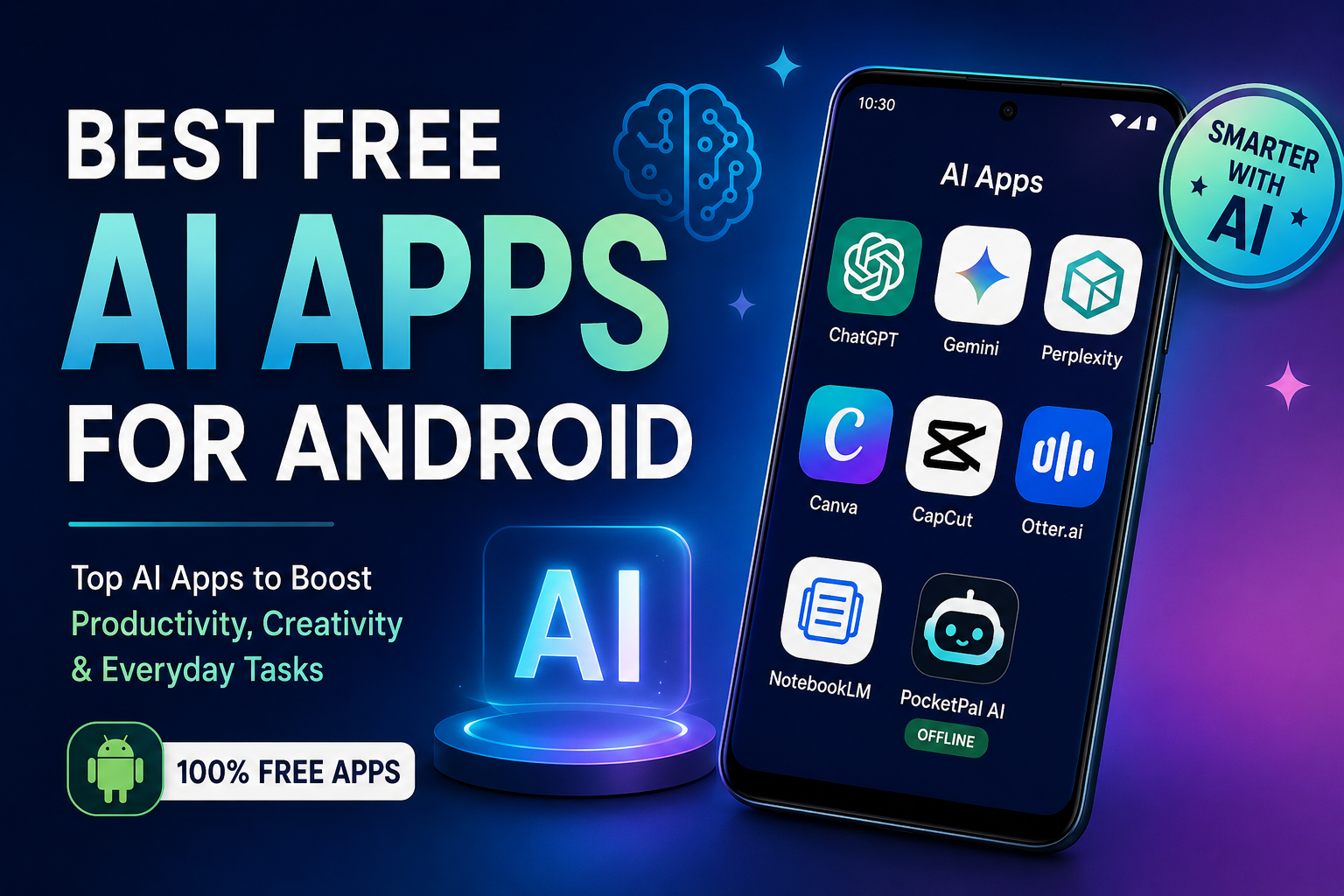
Best Free AI Apps for Android (2026 Guide)
Best Free AI Apps for Android You Should Try in 2026
Artificial intelligence is no longer limited to desktops or premium subscriptions. Today, Android users can access powerful AI tools for writing, studying, image creation, productivity, search, note-taking, and even offline assistance—without paying upfront.
If you’re searching for the Best Free AI Apps for Android, this guide highlights the most useful options available right now and explains what each app does best.
You’ll learn which AI apps are genuinely helpful, where their free versions shine, and which one fits your workflow.
What Are Free AI Apps for Android?
Free AI apps for Android are mobile applications that use artificial intelligence to perform tasks such as answering questions, generating content, editing media, organizing information, summarizing documents, and automating everyday actions—while offering usable functionality without requiring payment.
The best free options typically include limited daily usage instead of fully locked premium access.
Why AI Apps Have Become Essential on Android
AI apps are increasingly becoming everyday tools rather than experimental software.
People use them to:
- Write emails and documents faster
- Summarize long articles and PDFs
- Generate images and videos
- Search and research more efficiently
- Take meeting notes automatically
- Improve productivity and learning
- Get voice-based assistance
Modern Android phones also benefit from tighter AI integration and cloud processing, reducing hardware requirements.
1. ChatGPT — Best Overall Free AI App
Best For:
Writing, studying, brainstorming, coding, general assistance
ChatGPT remains one of the strongest all-around AI apps available on Android.
Its free experience supports everyday tasks including:
- Drafting content
- Explaining concepts
- Summarizing files
- Voice conversations
- Image understanding
- Learning support
The Android experience feels polished and works well for both casual users and professionals. Free usage includes capable models with daily limits depending on demand.
Why It Stands Out
- Clean interface
- Supports voice interaction
- Useful for students and creators
- Handles many tasks in one app
2. Google Gemini — Best for Android Integration
Best For:
Google users, productivity, voice assistance
Google Gemini has become one of the strongest AI choices for Android because of its deep integration with Google services.
Gemini can work alongside:
- Gmail
- Google Drive
- Calendar
- Documents
- Search workflows
Many Android devices now support Gemini as a built-in assistant experience.
Why It Stands Out
- Native Android experience
- Strong voice capabilities
- Excellent productivity features
- Useful free tier
3. Perplexity — Best AI Search App
Best For:
Research, learning, fact-checking
Perplexity combines conversational AI with source-backed answers.
Instead of giving only generated responses, it focuses on:
- Search-based answers
- Citations
- Faster research workflows
This makes it especially useful for students and professionals who want transparent information sources.
Why It Stands Out
- Source visibility
- Fast research
- Excellent for information gathering
4. Canva — Best Free AI Design App
Best For:
Social media, graphics, thumbnails
Canva has evolved into a strong AI-powered creative platform.
Its Android app includes:
- AI writing tools
- Design generation
- Background removal
- Templates
- Visual content creation
Many of its most practical tools remain accessible in the free version.
Why It Stands Out
- Beginner-friendly
- Fast content creation
- Useful for creators and bloggers
5. CapCut — Best Free AI Video Editor
Best For:
Short-form content, editing
CapCut adds AI features directly into mobile video editing.
Popular features include:
- Auto captions
- Smart templates
- Background editing
- Video enhancement
It is especially useful for creators making vertical video content.
Why It Stands Out
- Mobile-first workflow
- Strong free features
- Easy editing experience
6. Otter.ai — Best for Transcription
Best For:
Meetings, lectures, interviews
Otter.ai focuses on turning speech into structured notes.
Features include:
- Live transcription
- AI summaries
- Meeting organization
- Voice-to-text conversion
Its free tier includes monthly transcription allowances for lighter usage.
Why It Stands Out
- Saves time
- Great for students
- Useful for professionals
7. NotebookLM — Best for Learning
Best For:
Studying and understanding documents
NotebookLM helps users interact with uploaded materials and organize information into easier formats.
It works especially well for:
- Exam preparation
- Research
- Study notes
- Knowledge organization
It has gained attention as an AI learning assistant for mobile users.
Why It Stands Out
- Study-focused design
- Strong organization features
8. PocketPal AI — Best Offline AI App
Best For:
Privacy and offline use
Most AI apps depend on cloud servers.
PocketPal AI takes a different approach by running models directly on the device after download.
Offline AI can be useful for:
- Privacy-conscious users
- Travel situations
- Reduced internet dependence
Performance varies depending on device hardware.
Why It Stands Out
- Offline capability
- No continuous internet requirement
How to Choose the Right Free AI App
Choose based on your actual use case:
| Goal | Recommended App |
|---|---|
| Everyday AI assistant | ChatGPT |
| Android productivity | Google Gemini |
| Research | Perplexity |
| Graphic design | Canva |
| Video editing | CapCut |
| Meeting notes | Otter.ai |
| Studying | NotebookLM |
| Offline AI | PocketPal AI |
Avoid installing multiple overlapping tools unless you genuinely use them.
Are Free AI Apps Safe on Android?
Most well-known AI apps follow standard mobile security practices.
Before installing:
- Review app permissions
- Check Play Store reviews
- Understand cloud data policies
- Avoid unnecessary account linking
- Keep apps updated
Privacy controls and data handling vary significantly between providers.
Frequently Asked Questions
Q: Which is the best completely free AI app for Android?
A: For most people, Google Gemini and ChatGPT offer the strongest balance of features and accessibility in their free versions. Your ideal choice depends on whether you prioritize productivity, creativity, or research.
Q: Is ChatGPT free on Android?
A: Yes. ChatGPT offers a free Android experience with access to capable AI features, though advanced capabilities and higher limits are available through paid plans.
Q: Which AI app is best for students?
A: NotebookLM, ChatGPT, and Otter.ai are especially useful for studying, summaries, note-taking, and learning support.
Q: Are offline AI apps available for Android?
A: Yes. Some apps now run models directly on-device, reducing internet dependence and improving privacy. PocketPal AI is one example.
Q: Which free AI app is best for creating content?
A: Canva and CapCut stand out for design and video workflows, while ChatGPT helps with writing and ideation.
Conclusion
The best free AI apps for Android are no longer basic experiments—they’re practical tools that help with productivity, learning, creativity, and everyday tasks.
If you want one versatile assistant, ChatGPT remains an excellent starting point. If your workflow already depends on Android and Google services, Gemini offers deep integration. For creators, Canva and CapCut provide strong AI-powered workflows, while Otter.ai and NotebookLM excel in organization and learning.
Start with one or two apps, test their free features, and build a setup that supports how you actually use your phone.


One Comment