Viber App: Features, Security, Benefits, and Complete Guide
Viber App: Secure Messaging and Free Calls Explained
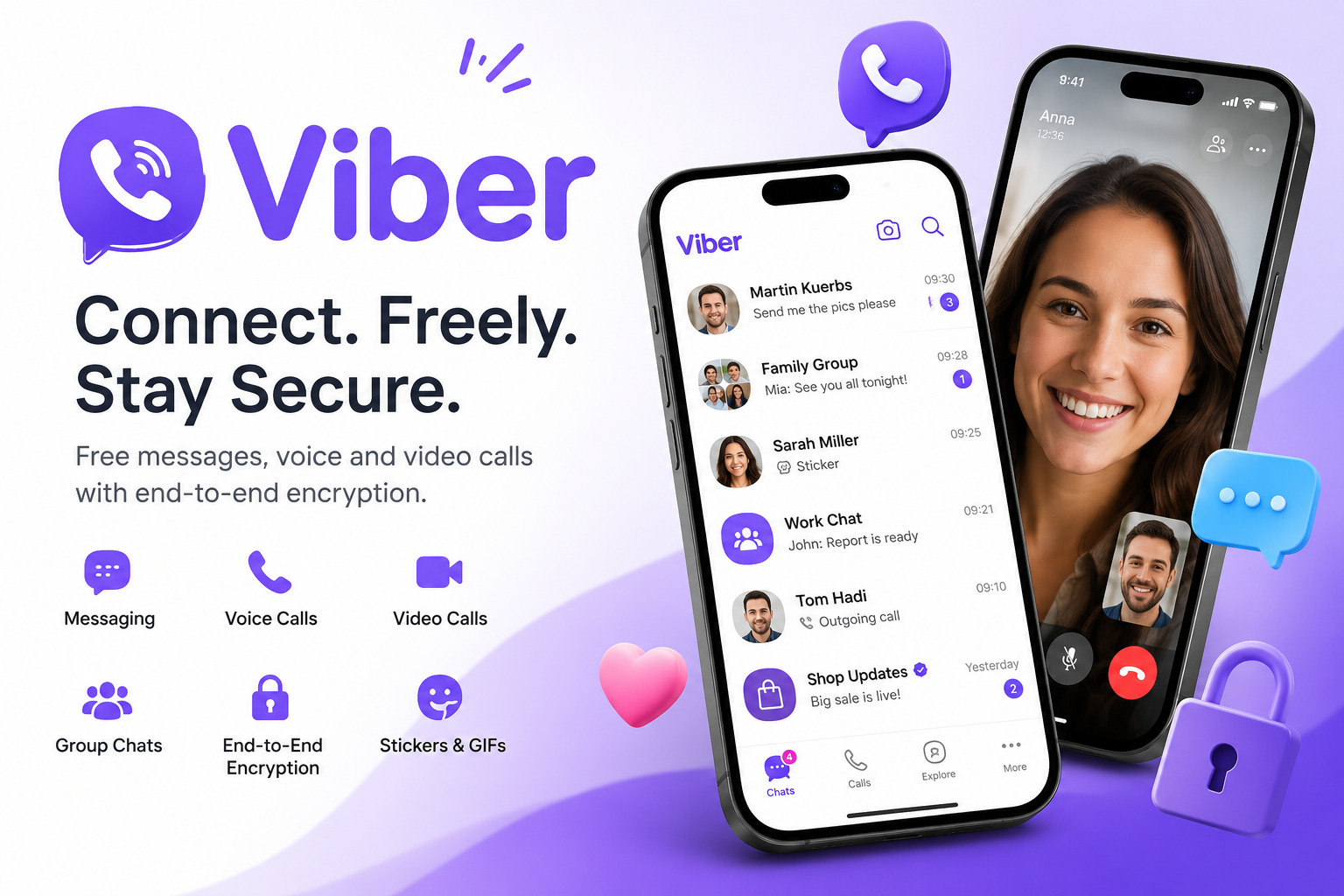
The Viber App is one of the world’s most popular messaging and Voice over Internet Protocol (VoIP) platforms, allowing people to send messages, make voice and video calls, and share media over an internet connection. Owned by Rakuten Viber, the app emphasizes privacy through built-in end-to-end encryption while offering a wide range of communication features for individuals, families, and businesses. (Viber)
Whether you’re looking for a secure messaging app, a reliable international calling solution, or a feature-rich communication platform, this guide explains everything you need to know about the Viber App, including its features, advantages, privacy protections, and frequently asked questions.
What Is the Viber App?
The Viber App is a free messaging and calling application that enables users to communicate through:
- Text messaging
- Voice calls
- Video calls
- Group chats
- Voice messages
- File sharing
- Stickers and GIFs
- Public Communities and Channels
Available for Android, iPhone, Windows, macOS, Linux, and tablets, Viber keeps conversations synchronized across supported devices so users can continue chats from multiple platforms. (Viber)
History of the Viber App
Viber launched in December 2010 with the goal of making internet-based phone calls simple and affordable. It initially focused on free VoIP calling before expanding into instant messaging and multimedia communication.
Important milestones include:
- 2010: Viber officially launched.
- 2011: Instant messaging was introduced.
- 2012: Group messaging and HD voice support were added.
- 2014: Japanese technology company Rakuten acquired Viber.
- 2016: End-to-end encryption became enabled by default for private communications.
- Today: Viber serves hundreds of millions of monthly users worldwide and supports communication across multiple devices. (Viber)
Key Features of the Viber App
Free Messaging
Viber allows users to exchange:
- Text messages
- Photos
- Videos
- Documents
- Audio recordings
- Contacts
- Locations
- GIFs
- Stickers
Messages are delivered over Wi-Fi or mobile data instead of traditional SMS charges. (Viber)
Voice and Video Calls
One of Viber’s strongest features is high-quality internet calling.
Users can:
- Make free Viber-to-Viber voice calls
- Start HD video calls
- Switch between voice and video during conversations
- Create group voice and video calls
This makes the app useful for families, remote workers, and international communication. (Viber)
Group Chats
The Viber App supports group conversations where members can:
- Share media
- Reply to specific messages
- React with emojis
- Start voice or video calls
- Manage conversations with admin controls
Communities offer larger public discussion spaces with enhanced moderation features. (Viber)
Privacy and Security
Privacy is one of Viber’s defining features.
End-to-End Encryption
All personal:
- One-to-one chats
- Private voice calls
- Video calls
- Group chats
are protected using end-to-end encryption by default.
This means only the participants can access the conversation content—not even Viber itself can read private messages. (Viber)
Disappearing Messages
Users can send messages that automatically disappear after a selected period.
This feature is useful for:
- Temporary conversations
- Sensitive information
- Private discussions
(Viber)
Edit and Delete Messages
Unlike many messaging apps, Viber allows users to:
- Edit messages after sending
- Delete messages for everyone in the conversation
This helps correct mistakes or remove unintended messages. (Viber)
Viber Communities and Channels
Viber offers more than private messaging.
Users can join:
- Public Communities
- Interest-based groups
- Brand channels
- News channels
- Creator communities
Communities support large audiences while providing moderation tools for administrators. (Viber)
Viber Out
Not everyone uses Viber.
For those situations, Viber provides Viber Out, a paid service that lets users call standard mobile and landline numbers internationally at competitive rates. (Viber)
Supported Platforms
The Viber App works across multiple operating systems, including:
- Android
- iPhone (iOS)
- Windows
- macOS
- Linux
- iPad
- Android tablets
Chats remain synchronized between supported devices after setup, making it easy to switch between mobile and desktop. (Viber)
Benefits of Using the Viber App
Free International Communication
Internet-based calling reduces or eliminates traditional international calling costs between Viber users.
Strong Privacy
Built-in encryption protects personal conversations without requiring users to enable additional settings. (Viber)
Rich Communication Tools
Beyond text messaging, users can share:
- Photos
- Videos
- Files
- Voice notes
- GIFs
- Stickers
- Polls
- Reactions
Cross-Platform Availability
Users can continue conversations from desktops, laptops, tablets, and smartphones.
Business Communication
Organizations can use Viber Communities and Channels to engage with customers, share updates, and build audiences. (Viber Chats)
Viber App vs Other Messaging Apps
| Feature | Viber | Telegram | |
|---|---|---|---|
| Free messaging | Yes | Yes | Yes |
| Voice calls | Yes | Yes | Yes |
| Video calls | Yes | Yes | Yes |
| End-to-end encryption by default | Yes (private chats and calls) | Yes | Not for all chats by default |
| Desktop support | Yes | Yes | Yes |
| Communities | Yes | Channels & Communities | Groups & Channels |
| International calling service | Viber Out | No | No |
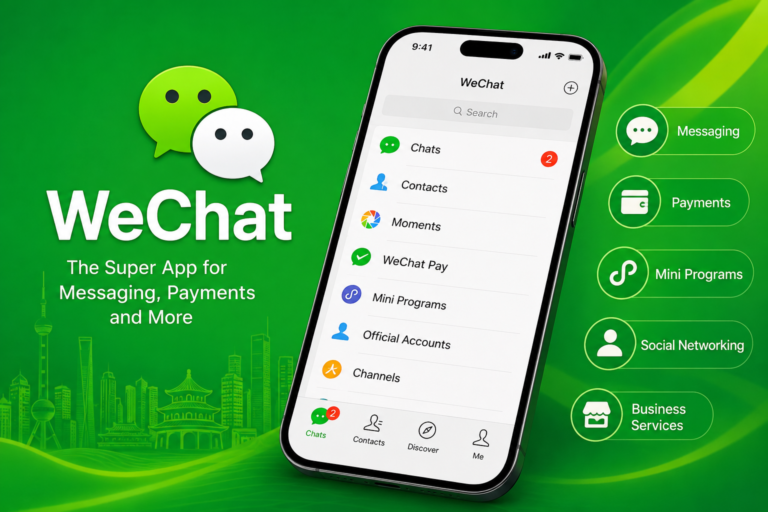
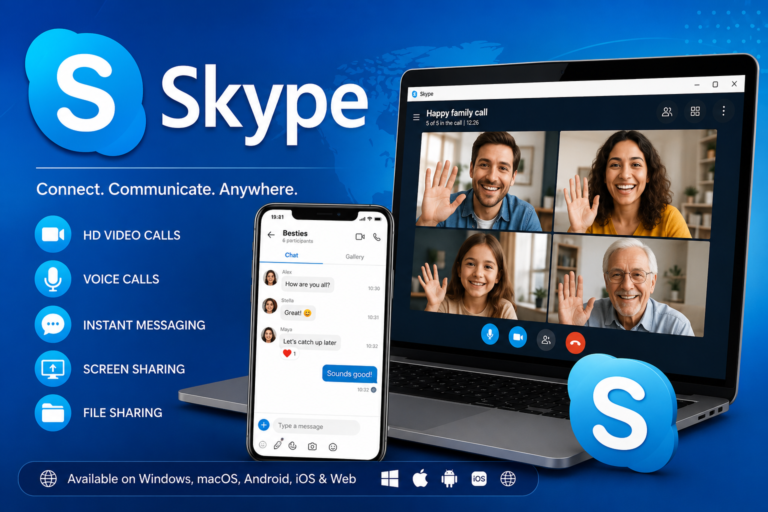
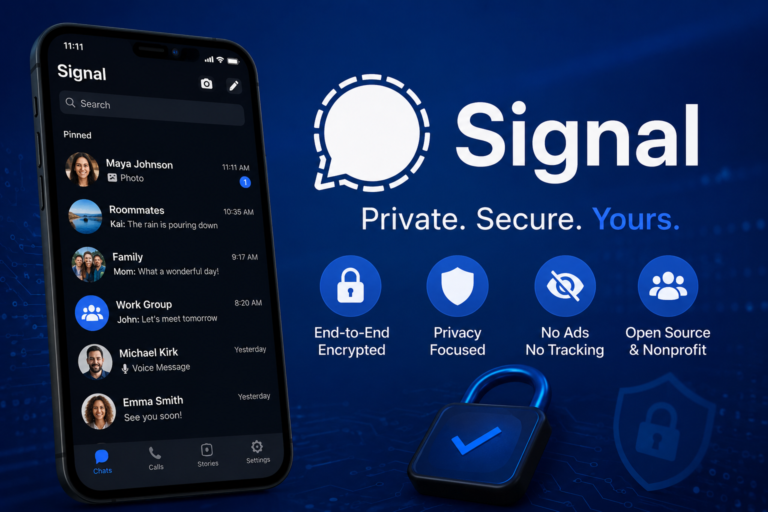
Each platform has different strengths, but Viber stands out for combining encrypted communication with cross-device synchronization and its paid international calling service. (Viber)
Tips for Getting the Most from Viber
Enable Two-Step Verification
Adding an extra security layer helps protect your account.
Use Desktop Sync
Install the desktop version to continue conversations while working.
Organize Chats
Pin important conversations and mute unnecessary notifications.
Explore Communities
Join verified communities to follow brands, creators, hobbies, and news.
Customize Conversations
Use stickers, GIFs, and custom sticker creation tools to personalize chats. (Viber)
Frequently Asked Questions
Q: Is the Viber App free?
A: Yes. Messaging, voice calls, and video calls between Viber users are free when using an internet connection. Charges may apply only for mobile data usage or optional services such as Viber Out. (Viber)
Q: Is Viber safe to use?
A: Yes. Viber protects personal chats and calls with end-to-end encryption by default. Additional privacy tools include disappearing messages, trusted contacts, and message editing or deletion features. (Viber)
Q: Can I use Viber on my computer?
A: Yes. Viber is available for Windows, macOS, and Linux. After linking your account, chats and calls can sync across supported devices. (Viber)
Q: What is Viber Out?
A: Viber Out is a paid service that allows users to call mobile and landline numbers worldwide, even if the recipient does not have Viber installed. (Viber)
Q: Does Viber support group video calls?
A: Yes. Users can create group voice and video calls, making Viber suitable for family conversations, online meetings, and team collaboration. (Viber)
Q: Which devices support Viber?
A: Viber is compatible with Android phones, iPhones, Windows PCs, Macs, Linux computers, and supported tablets, allowing users to stay connected across multiple devices. (Viber)
Conclusion
The Viber App has evolved into a comprehensive communication platform that combines free messaging, high-quality voice and video calls, strong privacy protections, and cross-platform convenience. Its default end-to-end encryption, support for Communities and Channels, disappearing messages, and desktop synchronization make it a versatile choice for personal and professional communication. Whether you need to stay in touch with family overseas, collaborate with colleagues, or join interest-based communities, Viber offers a secure and feature-rich experience backed by years of continuous development and a focus on user privacy.

One Comment