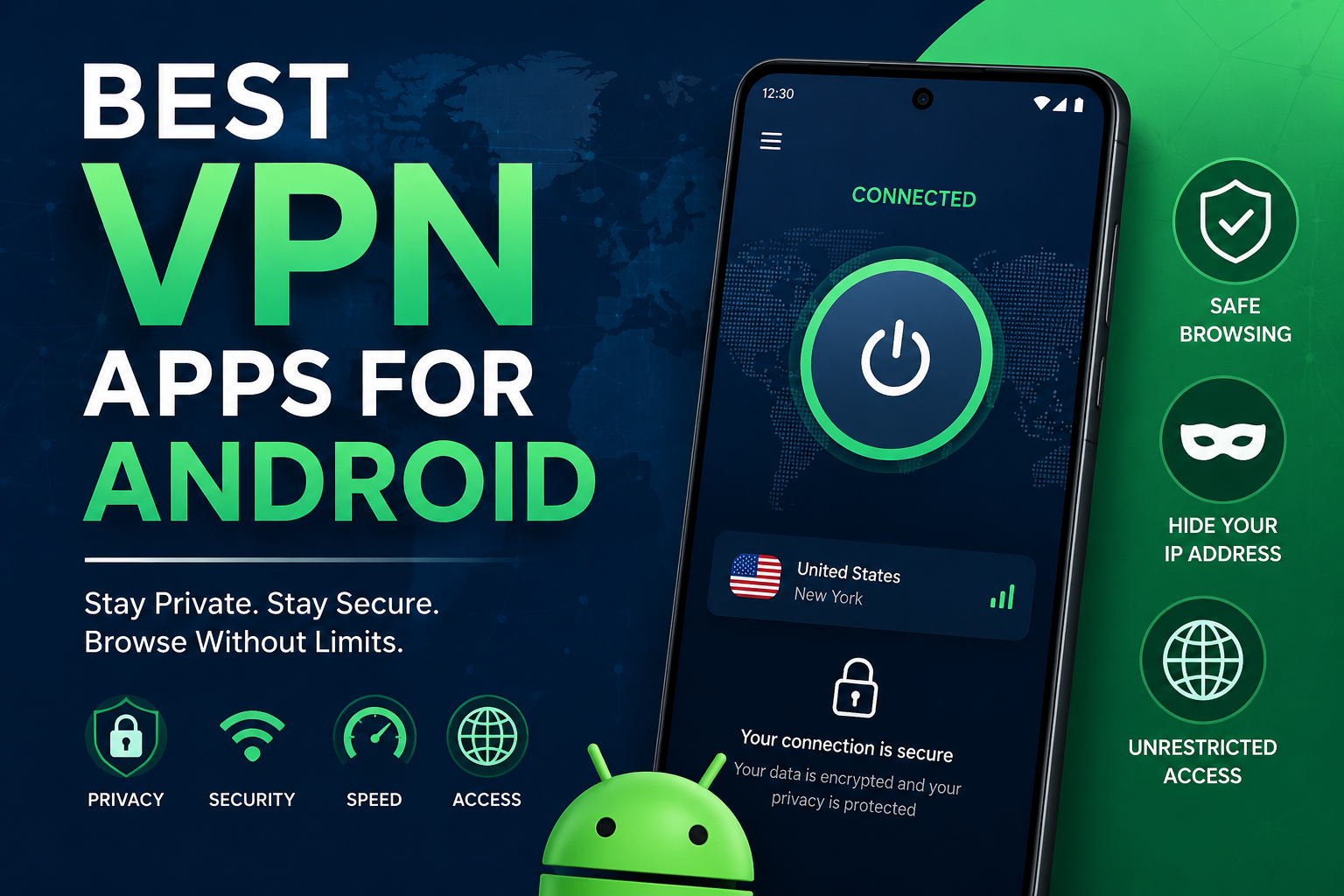
Best VPN Apps for Android: Top Secure Choices for Privacy in 2026
Best VPN Apps for Android: Complete Guide for Privacy, Security & Speed
Android smartphones have become central to our daily lives, storing everything from banking apps to personal photos and work documents. As cyber threats and online tracking continue to grow, choosing one of the best VPN apps for Android has become one of the easiest ways to improve your online privacy and security.
A quality Android VPN encrypts your internet connection, protects your personal information on public Wi-Fi, helps reduce online tracking, and can improve your overall browsing privacy. In this guide, you’ll learn what Android VPNs do, the features that matter most, and the top VPN apps worth considering in 2026.
What Are the Best VPN Apps for Android?
The best VPN apps for Android are secure mobile applications that encrypt your internet connection, hide your IP address, and protect your online privacy while delivering fast speeds, reliable performance, and strong security features across Android devices.
Why Use a VPN on Android?
Many Android users assume mobile networks are secure enough, but that’s not always true. A VPN adds another layer of protection by encrypting data before it travels across the internet.
Benefits include:
- Enhanced online privacy
- Encrypted internet traffic
- Protection on public Wi-Fi
- Reduced online tracking
- Secure remote work connections
- Better protection against hackers on unsecured networks
- Safer browsing while traveling
While a VPN improves privacy, it does not make users completely anonymous online or protect against every cybersecurity threat.
Best VPN Apps for Android in 2026
1. ExpressVPN
Best for Overall Performance
ExpressVPN consistently ranks among the most trusted Android VPNs thanks to its combination of speed, security, and ease of use.
Key Features
- High-speed global servers
- AES-256 encryption
- TrustedServer technology
- Kill Switch
- Split tunneling
- No-logs policy
- Easy Android interface
Pros
- Excellent connection speeds
- Reliable security
- Strong privacy reputation
- Beginner-friendly app
Cons
- Premium pricing
- Fewer customization options than some competitors
2. NordVPN
Best for Security Features
NordVPN offers an excellent balance of performance and advanced security.
Key Features
- Double VPN
- Threat Protection features
- Meshnet support
- Kill Switch
- Large worldwide server network
- RAM-only servers
Pros
- Outstanding security
- Fast WireGuard-based protocol (NordLynx)
- Excellent Android app
- Strong independent security audits
Cons
- Some advanced settings may overwhelm beginners
3. Surfshark
Best Value VPN
Surfshark provides premium features at a competitive price and allows unlimited device connections.
Key Features
- Unlimited devices
- CleanWeb ad blocking
- MultiHop connections
- Camouflage Mode
- Kill Switch
Pros
- Affordable plans
- Fast performance
- User-friendly Android interface
- Unlimited simultaneous connections
Cons
- Some servers can experience occasional congestion during peak hours
4. Proton VPN
Best Free VPN Option
Proton VPN is widely recognized for offering one of the strongest free VPN plans available.
Key Features
- Unlimited free data
- Strong encryption
- Open-source applications
- Independent security audits
- Secure Core servers
Pros
- No data limits on free plan
- Excellent privacy practices
- Transparent development
- Strong reputation
Cons
- Free users have fewer server locations
5. Mullvad VPN
Best for Privacy
Mullvad is well known among privacy enthusiasts because it minimizes personal data collection.
Key Features
- Anonymous account numbers
- No email required
- Open-source applications
- WireGuard support
- Strong privacy focus
Pros
- Exceptional privacy
- Transparent policies
- Independent audits
- Simple pricing
Cons
- Smaller server network than some competitors
6. Private Internet Access (PIA)
Best for Advanced Users
PIA offers extensive customization while maintaining strong security.
Key Features
- Large server network
- Open-source apps
- WireGuard support
- Split tunneling
- Custom encryption settings
Pros
- Highly configurable
- Good speeds
- Affordable long-term plans
- Strong transparency
Cons
- Interface can feel technical for new users
Features to Look for in an Android VPN
Strong Encryption
Choose VPNs that use modern encryption standards like AES-256 or ChaCha20 to help protect your internet traffic.
No-Logs Policy
A trustworthy VPN should clearly state that it does not store browsing activity and ideally have its claims verified through independent audits.
Fast Speeds
Streaming, gaming, and video calls require consistent performance. Modern VPN protocols like WireGuard generally provide faster connections.
Kill Switch
A Kill Switch automatically blocks internet traffic if the VPN disconnects unexpectedly, helping prevent accidental exposure of your IP address.
Split Tunneling
Split tunneling lets you choose which apps use the VPN while allowing others to connect directly to the internet.
Easy-to-Use Android App
The best Android VPN apps offer intuitive interfaces, one-tap connections, and automatic server recommendations.
Free vs Paid Android VPNs
Free VPNs
Advantages:
- No subscription cost
- Good for occasional browsing
- Suitable for light users
Disadvantages:
- Fewer server locations
- Slower speeds
- Limited features
- Potential data restrictions
Paid VPNs
Advantages:
- Faster servers
- Better privacy
- More global locations
- Streaming support
- Priority customer support
- Advanced security features
For users who frequently browse on public Wi-Fi, travel internationally, or require consistent performance, a reputable paid VPN is often the better long-term option.
Best VPN Apps for Different Needs
Best for Streaming
- ExpressVPN
- NordVPN
- Surfshark
Best for Gaming
- ExpressVPN
- Surfshark
- NordVPN
Best Free VPN
- Proton VPN
Best Privacy
- Mullvad VPN
Best Budget Choice
- Surfshark
Best for Power Users
- Private Internet Access
How to Choose the Right Android VPN
When comparing VPN providers, consider:
- Security reputation
- Independent audits
- Server availability
- Speed performance
- Android app quality
- Privacy policy
- Customer support
- Pricing
- Device compatibility
Avoid selecting a VPN based solely on price. Long-term privacy and reliability are more important than saving a small amount on a subscription.
Tips for Using a VPN on Android
- Enable the VPN before joining public Wi-Fi.
- Keep the Android app updated.
- Use automatic connection on unsecured networks.
- Choose nearby servers for better speeds.
- Enable the Kill Switch if available.
- Download apps only from trusted sources such as the Google Play Store or the VPN provider’s official website.
Frequently Asked Questions
Q: Which is the best VPN app for Android overall?
A: ExpressVPN, NordVPN, and Surfshark are widely regarded as the best overall Android VPN apps due to their combination of strong security, fast speeds, reliable performance, and user-friendly mobile applications. The right choice depends on your budget and feature preferences.
Q: Is using a VPN on Android safe?
A: Yes. Reputable VPN providers use strong encryption to secure your internet connection. However, it’s important to choose well-known VPN services with transparent privacy policies and independent security audits.
Q: Are free VPN apps worth using?
A: Some free VPNs, such as Proton VPN’s free plan, offer reliable privacy with reasonable limitations. However, many free VPNs restrict speeds, server locations, or features. Research the provider carefully before installing any free VPN.
Q: Will a VPN slow down my Android phone?
A: Some reduction in internet speed is normal because your traffic is encrypted and routed through a VPN server. Premium VPNs minimize this impact with optimized servers and modern protocols like WireGuard.
Q: Can I use one VPN subscription on multiple Android devices?
A: Many VPN providers allow multiple simultaneous connections. Some services, such as Surfshark, even support unlimited devices under one subscription, making them suitable for families and users with several devices.
Q: Do Android VPNs protect all apps?
A: Most Android VPN apps encrypt internet traffic across supported applications. Some VPNs also offer split tunneling, allowing you to choose which apps use the VPN while others connect normally.
Conclusion
Choosing one of the best VPN apps for Android is one of the simplest ways to improve your online privacy and strengthen your mobile security. Whether your priority is fast performance, advanced privacy features, budget-friendly pricing, or a reliable free option, there are several excellent VPN providers available in 2026.
Focus on services with strong encryption, transparent no-logs policies, independent security audits, fast server networks, and well-designed Android apps. By selecting a trusted VPN that fits your needs, you can browse more securely, reduce online tracking, and enjoy greater peace of mind whenever you use your Android device.


One Comment