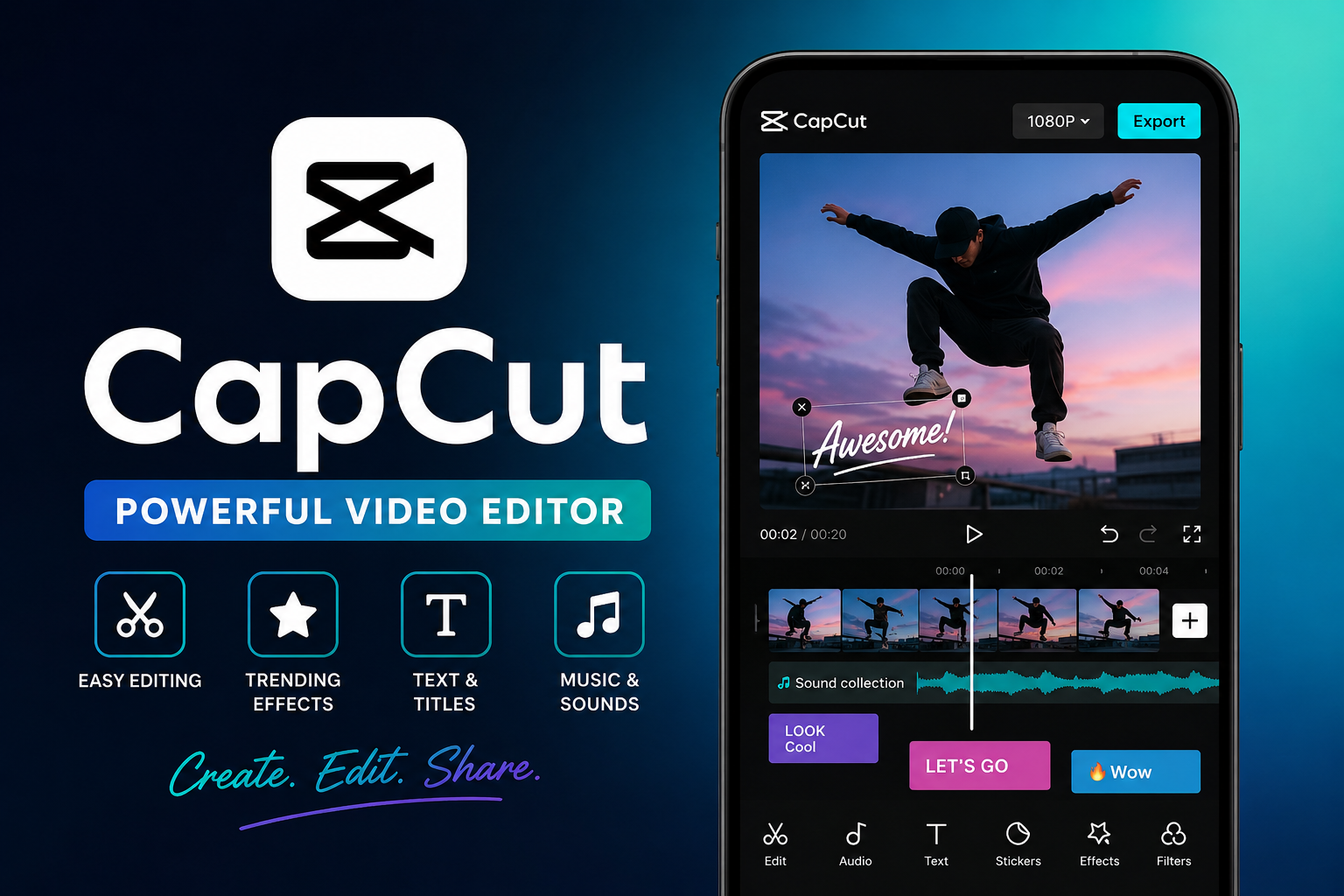
CapCut: Features, Uses & Complete Guide (2026)
Introduction
In today’s digital world, short-form video content dominates platforms like TikTok, YouTube Shorts, and Instagram Reels. One tool that has quickly become a favorite among creators is CapCut. Whether you’re a beginner or an experienced editor, CapCut offers a simple yet powerful way to create high-quality videos without expensive software.
This article explores everything you need to know about CapCut—from its features and benefits to how it works and why it’s so popular. If you’re looking to level up your content creation game, this guide will help you understand how CapCut fits into modern video editing.
What Is CapCut?
CapCut is a free, freemium video editing application developed by ByteDance, the company behind TikTok. It allows users to edit videos, add effects, apply transitions, and create professional-looking content across mobile, desktop, and web platforms.
The Evolution of CapCut
From JianYing to Global Success
CapCut was first launched in China in 2019 under the name JianYing. Later, it was introduced globally and rebranded as CapCut.
Rapid Growth and Popularity
The app quickly gained popularity due to its integration with short-form video platforms. It has achieved over 1 billion downloads on Google Play and millions of active users worldwide.
Expansion Across Platforms
Initially a mobile-only app, CapCut now supports:
- Android and iOS
- Windows and macOS
- Web-based editing tools
This cross-platform availability has made it accessible to a wider audience.
Key Features of CapCut
1. Basic Video Editing Tools
CapCut includes all essential editing functions:
- Trim, cut, and merge clips
- Adjust video speed (0.1x to 100x)
- Add transitions and effects
- Apply filters and overlays
These tools make it easy for beginners to start editing without prior experience.
2. Advanced Editing Capabilities
Beyond basic tools, CapCut offers:
- Keyframe animation
- Smooth slow motion effects
- Chroma key (green screen editing)
- Video stabilization
These features allow users to create more professional-level edits.
3. AI-Powered Tools
One of CapCut’s standout features is its AI integration:
- Auto captions
- Text-to-speech
- Background removal
- Motion tracking
These tools save time and improve content quality, especially for social media creators.
4. Templates and Effects Library
CapCut provides a large collection of:
- Pre-designed templates
- Trending effects
- Stickers and fonts
This makes it easy to create viral-style videos with minimal effort.
5. Social Media Integration
CapCut allows direct sharing to platforms like:
- TikTok
- YouTube
This seamless integration is one of the reasons for its popularity among content creators.
CapCut Free vs Pro Version
Free Version
The free version includes:
- Most editing tools
- Basic effects and templates
- Standard export options
This is sufficient for beginners and casual users.
Pro Version
CapCut Pro offers:
- Premium effects and filters
- Advanced AI tools
- Cloud storage
- Faster processing
The app follows a freemium model, meaning users can upgrade for additional features.
Why CapCut Is So Popular
Beginner-Friendly Interface
CapCut’s clean and simple interface makes it accessible even for first-time users.
Perfect for Short-Form Content
Its tools are optimized for vertical videos, making it ideal for TikTok and Reels.
Free Yet Powerful
Unlike many editing apps, CapCut provides advanced features without requiring payment.
Backed by ByteDance
Being developed by ByteDance gives it strong integration with social media ecosystems.
Advantages and Limitations
Advantages
- Free to use with powerful features
- AI tools save time
- Easy learning curve
- Cross-platform support
Limitations
- Some advanced features require a subscription
- Performance may vary on low-end devices
- Privacy concerns have been raised due to data handling policies
How to Use CapCut (Step-by-Step)
Step 1: Import Your Media
Open the app and upload your video clips or images.
Step 2: Edit Your Clips
Trim, cut, and arrange clips on the timeline.
Step 3: Add Effects and Music
Use filters, transitions, and background music.
Step 4: Apply Text and Captions
Add subtitles or animated text using AI tools.
Step 5: Export and Share
Export your video in high quality and share it directly.
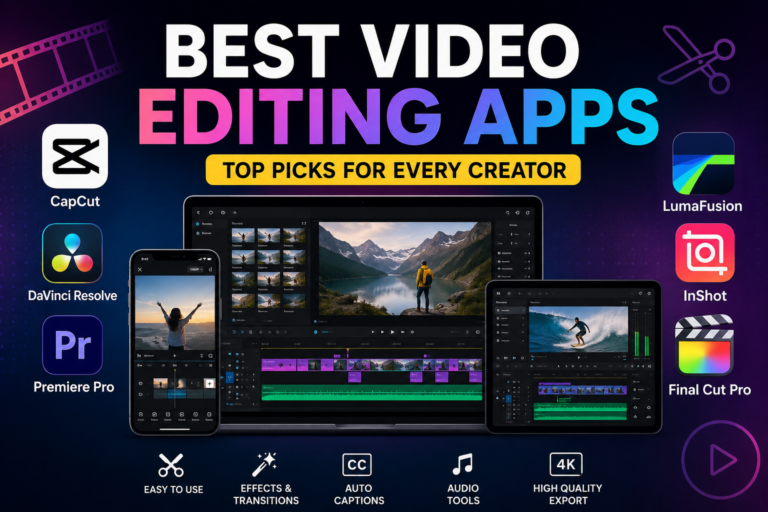
CapCut vs Other Video Editing Apps
CapCut vs InShot
CapCut offers more advanced features and AI tools.
CapCut vs KineMaster
KineMaster provides professional tools but often includes watermarks in the free version.
CapCut vs Adobe Premiere Rush
Adobe Premiere Rush is more professional but requires a subscription, while CapCut is mostly free.
Frequently Asked Questions (FAQ)
Q: Is CapCut completely free?
A: CapCut offers a free version with most features included. However, there is also a Pro subscription that unlocks advanced tools, premium effects, and cloud storage.
Q: Is CapCut safe to use?
A: CapCut is a legitimate app developed by ByteDance. However, like many apps, it collects certain user data for functionality and analytics, so users should review its privacy policy before use.
Q: Can beginners use CapCut easily?
A: Yes, CapCut is designed for beginners. Its simple interface, drag-and-drop timeline, and ready-made templates make video editing easy even without prior experience.
Q: Does CapCut work on PC?
A: Yes, CapCut is available on Windows and macOS, as well as through a web browser, allowing users to edit videos beyond mobile devices.
Q: Is CapCut good for YouTube videos?
A: CapCut is excellent for short-form content like YouTube Shorts. It can also be used for longer videos, though professional editors may prefer advanced software.
Conclusion
CapCut has transformed the way people create videos by making professional-level editing tools accessible to everyone. From beginners creating social media clips to influencers producing viral content, the app offers a powerful yet easy-to-use platform.
With features like AI-powered editing, built-in templates, and seamless social media integration, CapCut continues to grow as one of the most popular video editing tools worldwide. While it has some limitations, its overall value—especially as a free tool—makes it an excellent choice for modern content creators.
If you’re looking to start or improve your video editing journey, CapCut is a strong and reliable option worth exploring.




One Comment