YouTube Music: Features, Pricing, and Everything You Need to Know
Introduction
YouTube Music has become one of the world’s leading music streaming platforms, offering millions of songs, albums, playlists, music videos, live performances, and remixes in one place. Developed by Google, the service combines the vast music catalog of YouTube with a modern streaming experience designed for music lovers.
Whether you’re looking for the latest chart-toppers, classic albums, personalized recommendations, or rare live performances, YouTube Music provides a comprehensive platform across smartphones, tablets, computers, smart TVs, and connected devices. In this guide, you’ll learn how YouTube Music works, its key features, pricing plans, benefits, limitations, and how it compares with other popular streaming services.
Twitch streaming Hulu Streaming
What Is YouTube Music?
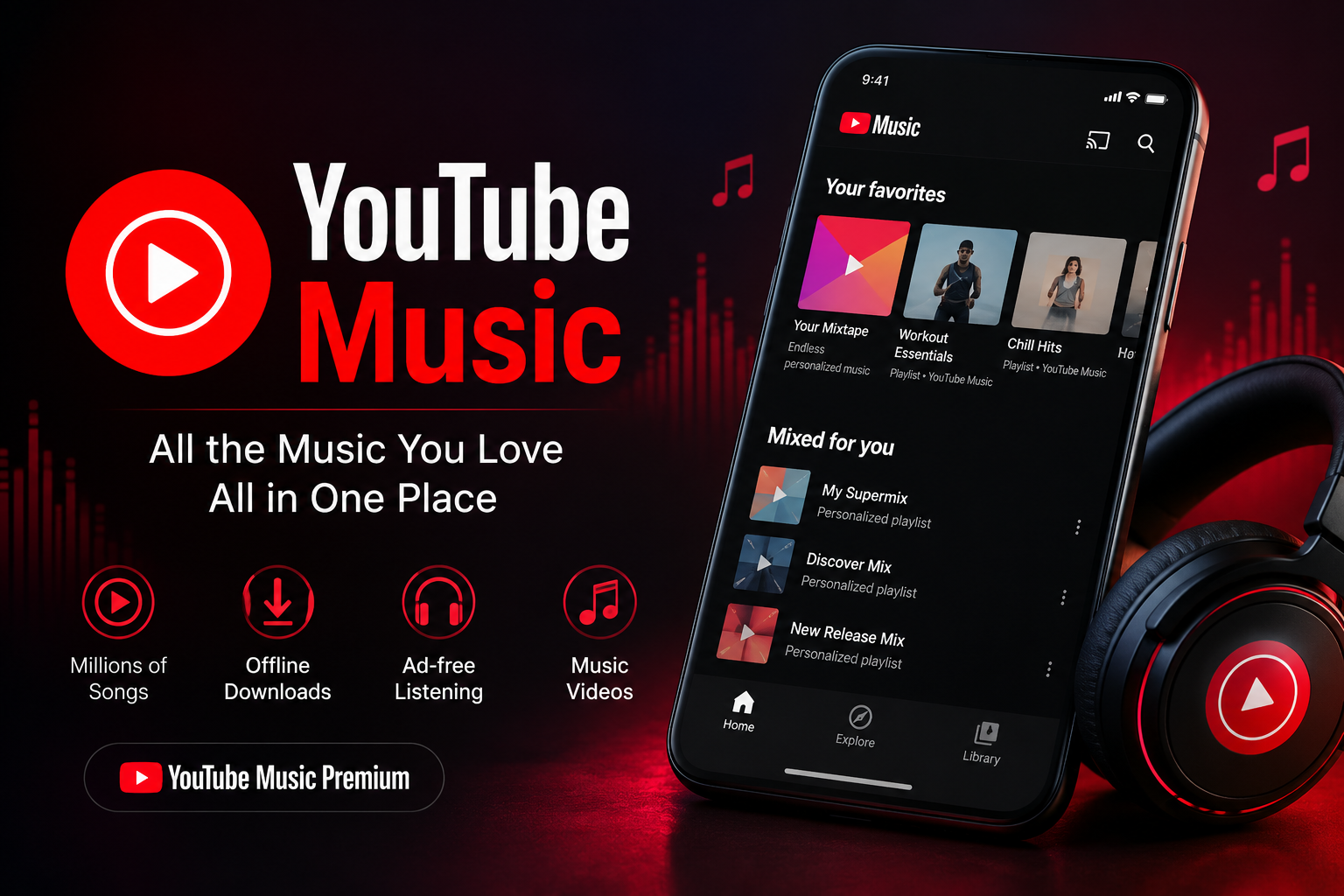
YouTube Music is Google’s dedicated music streaming service that allows users to stream official songs, albums, playlists, podcasts (in some regions), music videos, live recordings, covers, and remixes. Available through mobile apps and web browsers, it offers both a free ad-supported version and a premium subscription with additional features such as ad-free listening, offline downloads, and background playback.
Why YouTube Music Stands Out
Massive Music Library
One of YouTube Music’s biggest strengths is its enormous collection of content.
It includes:
- Official songs
- Complete albums
- Music videos
- Live performances
- Acoustic versions
- Covers
- DJ mixes
- Remixes
- Fan-uploaded performances (where available)
- Independent artist releases
Because it integrates with YouTube’s ecosystem, users often find rare recordings unavailable on competing music platforms.
Personalized Recommendations
Google uses machine learning to create highly personalized recommendations.
The app analyzes:
- Listening history
- Favorite artists
- Search activity
- Recently played songs
- Mood preferences
- Location (where applicable)
- Time of day
This helps generate playlists tailored to each user’s listening habits.
Smart Mixes
YouTube Music automatically creates playlists such as:
- My Supermix
- Discover Mix
- New Release Mix
- Chill Mix
- Energize Mix
These playlists update regularly based on your listening activity.
Key Features of YouTube Music
Official Music Videos
Unlike many competitors, YouTube Music lets users instantly switch between:
- Audio-only playback
- Official music videos
The transition happens without restarting the song.
Offline Downloads
Premium subscribers can download:
- Songs
- Albums
- Playlists
- Music videos
This feature is ideal for traveling or listening without an internet connection.
Background Playback
Premium users can continue listening while:
- Using other apps
- Locking the phone
- Browsing the web
Free users generally need to keep the app open for playback.
Smart Downloads
Smart Downloads automatically saves music you’ll likely enjoy based on recent listening, making offline listening easier without manual downloads.
Lyrics Support
Many tracks include synchronized or static lyrics, allowing users to follow along while listening.
Seamless Device Support
YouTube Music works across multiple platforms including:
- Android
- iPhone
- iPad
- Windows
- macOS
- Web browsers
- Android Auto
- Apple CarPlay
- Smart TVs
- Wear OS devices
- Google Nest speakers
YouTube Music Free vs Premium
| Feature | Free | Premium |
|---|---|---|
| Music Streaming | ✔ | ✔ |
| Ads | Yes | No |
| Background Playback | No | Yes |
| Offline Downloads | No | Yes |
| Audio-Only Mode | Limited | Yes |
| Smart Downloads | No | Yes |
Premium subscribers also receive uninterrupted listening without audio advertisements.
YouTube Music Premium Pricing
Pricing varies by country, but YouTube Music generally offers:
- Individual Plan
- Student Plan (where available)
- Family Plan
- Annual subscriptions in selected regions
In many countries, YouTube Premium includes YouTube Music Premium along with ad-free YouTube video viewing and additional YouTube benefits.
Music Discovery Features
Explore Tab
The Explore section helps users discover:
- Trending songs
- New albums
- Popular artists
- Music charts
- Genres
- Mood playlists
Personalized Radio
Users can create radio stations based on:
- Favorite artists
- Individual songs
- Albums
- Genres
Each station evolves according to user preferences.
Audio Quality
YouTube Music offers multiple streaming quality options depending on your internet connection.
Typical quality settings include:
- Low
- Normal
- High
- Always High (Premium)
Users can also customize separate quality settings for Wi-Fi and mobile data.
Playlist Management
Users can easily:
- Create playlists
- Edit playlists
- Share playlists
- Collaborate in supported features
- Save public playlists
- Follow artists
Playlists automatically sync across supported devices connected to the same Google account.
YouTube Music vs Spotify
Music Catalog
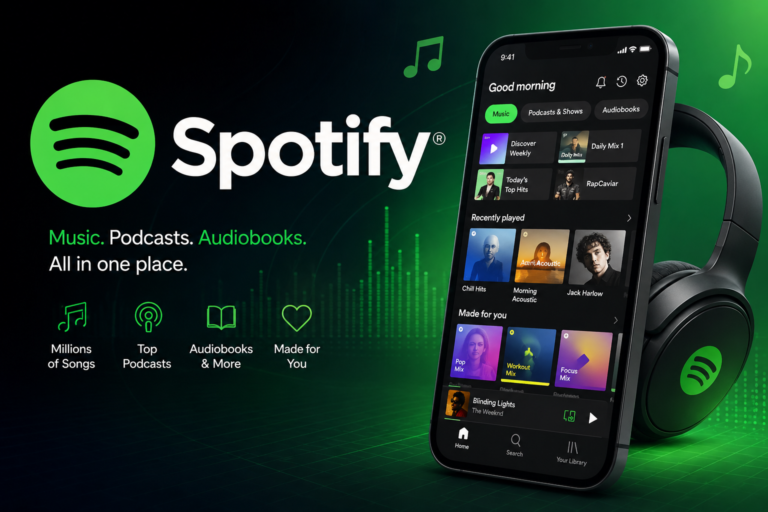
YouTube Music offers a unique advantage with official music videos, remixes, and live performances sourced from YouTube.
Spotify focuses primarily on licensed audio tracks and podcasts.
Video Integration
YouTube Music includes seamless switching between music videos and audio.
Spotify has limited music video availability in select markets.
Recommendations
Both platforms use sophisticated recommendation algorithms.
Many users appreciate YouTube Music’s ability to recommend obscure songs, covers, and live performances unavailable elsewhere.
Offline Listening
Both services allow Premium subscribers to download music for offline playback.
YouTube Music vs Apple Music
Library
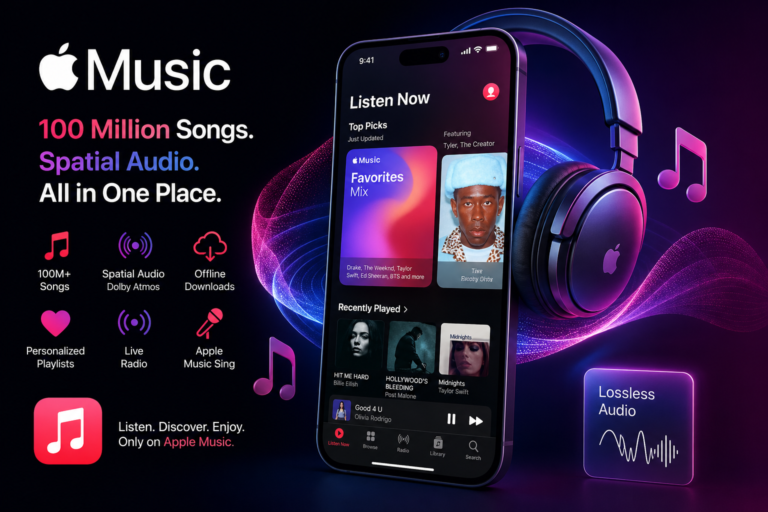
Apple Music focuses on licensed studio recordings.
YouTube Music combines licensed music with YouTube’s extensive video ecosystem.
Device Integration
Apple Music integrates especially well with Apple devices.
YouTube Music works smoothly across Android, Google services, web browsers, and many third-party devices.
Supported Devices
YouTube Music is available on:
- Android smartphones
- iPhones
- Tablets
- Windows PCs
- Mac computers
- Smart TVs
- Google TV
- Chromecast
- Android Auto
- Apple CarPlay
- Smart speakers
- Wearable devices
Tips for Getting the Most Out of YouTube Music
Improve Recommendations
Listen regularly and like songs you enjoy. The recommendation engine improves over time as it learns your preferences.
Use Offline Downloads
Download your favorite playlists before traveling to avoid interruptions when internet access is limited.
Explore Live Performances
Search for live concerts, acoustic sessions, and rare performances that may not appear on traditional streaming platforms.
Switch Between Video and Audio
If a music video is available, use the built-in toggle to switch between the official video and audio version seamlessly.
Advantages of YouTube Music
- Huge music catalog
- Official music videos
- Personalized recommendations
- Smart playlists
- Offline listening
- Background playback with Premium
- Cross-device synchronization
- Easy playlist sharing
- Rare recordings and live performances
- Integration with Google’s ecosystem
Limitations
- Free version includes advertisements.
- Some features require a Premium subscription.
- Music availability varies by country because of licensing agreements.
- Audio quality options may not satisfy listeners seeking lossless streaming.
Frequently Asked Questions
Q: What is YouTube Music used for?
A: YouTube Music is a music streaming service from Google that lets users listen to songs, albums, playlists, music videos, live performances, remixes, and personalized recommendations across multiple devices. It offers both free and Premium subscription options.
Q: Is YouTube Music free?
A: Yes. YouTube Music has a free, ad-supported version. Users who subscribe to YouTube Music Premium receive benefits such as ad-free listening, background playback, and offline downloads.
Q: Can I download songs on YouTube Music?
A: Yes, but downloading music for offline listening requires a YouTube Music Premium subscription. Premium users can download songs, albums, playlists, and many music videos.
Q: What’s the difference between YouTube Music and YouTube Premium?
A: YouTube Music Premium focuses on music streaming, while YouTube Premium includes ad-free YouTube videos, background video playback, offline video downloads, and YouTube Music Premium as part of the subscription in many regions.
Q: Does YouTube Music work offline?
A: Yes. Premium subscribers can download content to listen offline without an internet connection. Smart Downloads can also automatically save recommended music for offline playback.
Q: Is YouTube Music better than Spotify?
A: It depends on your preferences. YouTube Music excels with music videos, live performances, remixes, and rare recordings, while Spotify is widely known for its polished interface, playlist ecosystem, and podcast features.
Conclusion
YouTube Music has evolved into a powerful streaming platform that combines official songs, music videos, personalized playlists, and exclusive live performances within a single service. Its integration with YouTube gives users access to a broader range of music content than many competitors, making it especially appealing for those who enjoy discovering remixes, covers, and live recordings. With flexible free and Premium options, support for offline listening, intelligent recommendations, and compatibility across a wide range of devices, YouTube Music continues to be a compelling choice for casual listeners and dedicated music fans alike. As the platform continues to expand its features and global availability, it remains one of the most versatile music streaming services available today.